Last updated: June 2026
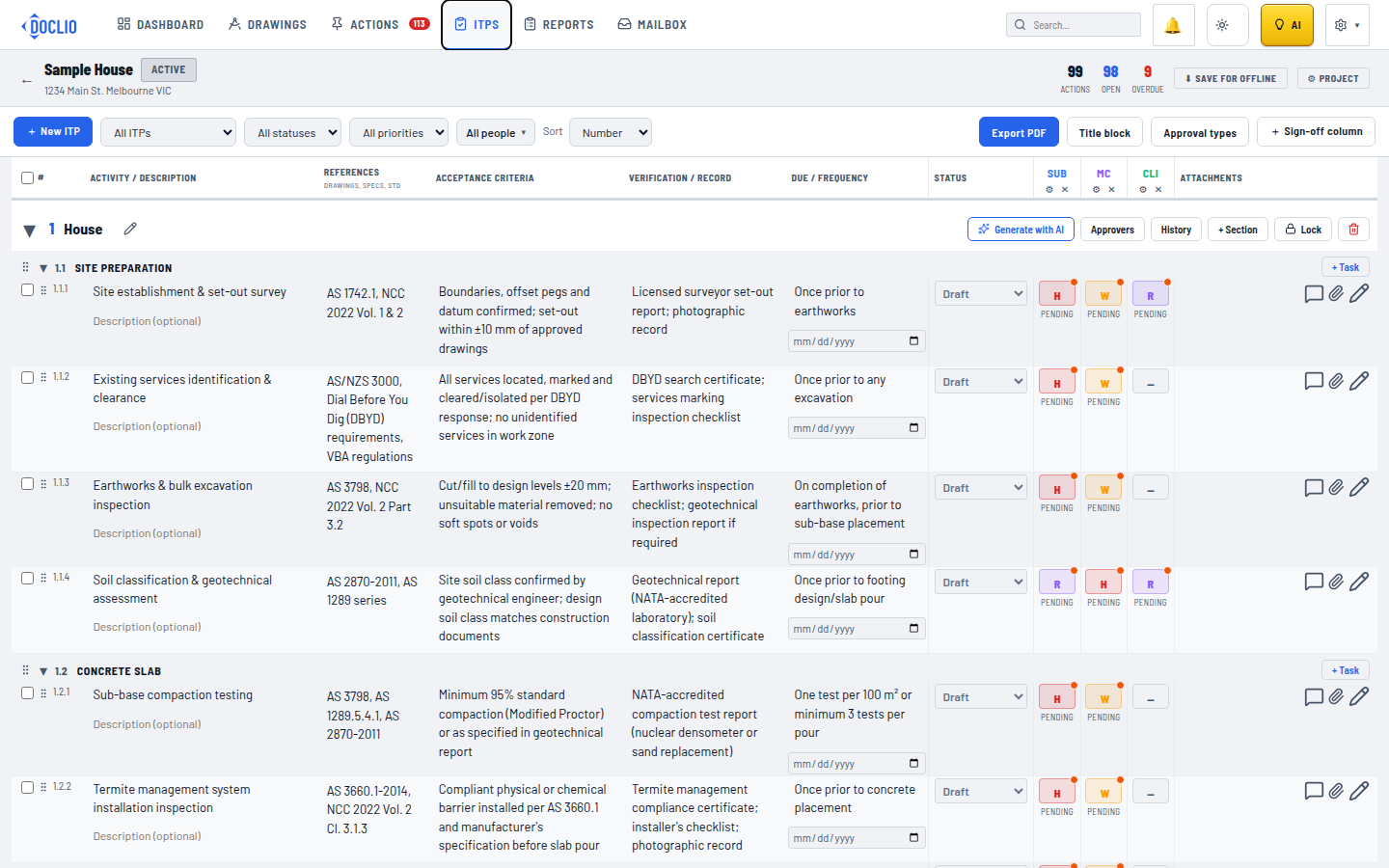
Rather than typing a register row by row, you can point Doclio's AI at your project documents and have it draft the ITP tasks for you. Open an ITP group and click Generate with AI (sparkles icon).
The AI reads the documents you choose, then proposes structured ITP rows. Nothing is written to the register until you review and accept it.
How it works
- Choose the source documents. Pick from your project's documents, or upload a file in the generate window. Specs, scopes of work, drawing registers, and existing ITPs all work well. Doclio reads the actual text of the documents you pick.
- Generate. The AI analyses the documents and drafts tasks — activity, acceptance criteria, verification method, and a due/frequency — grouping them sensibly into sections.
- References are extracted verbatim. For each row the AI pulls the relevant standards (AS/NZS/ISO…), spec sections and clauses (e.g. "Spec 03300 cl 3.4"), and drawing numbers, and writes them into the References column. When your source is an existing ITP or register, it carries each row's reference column across verbatim — so converting a legacy ITP keeps its references intact.
- Suggested restraint codes. Where the documents imply hold or witness points for a party, the AI proposes the matching restraint code per party, which you can adjust in the review step.
- Review and save. The proposed rows are shown for review. Edit, drop, or accept them; on save they're written into the group as real tasks (with their references and suggested sign-off codes applied).
Tips for better results
- Feed it the spec, not just drawings. Acceptance criteria and verification methods come from specification text; drawings mainly supply references and quantities.
- Convert an existing ITP by uploading it as the source — the generator is tuned to preserve its rows and references rather than reinvent them.
- Generate per work package. Run it per ITP group (e.g. once for Concrete, once for Electrical) so sections stay coherent.
- Always review. Treat the output as a strong first draft. Confirm acceptance criteria and restraint codes against your contract before sending sign-off requests.
See also
- Inspection & Test Plans — overview & structure
- ITP sign-offs, restraint codes & approvals
- AI modes — Doclio Assistant, Estimator, Tech
Button on the ITP register toolbar