Controlling Who Sees What
Every annotation is either Visible or Private. Set it when creating the annotation or change it later in the detail panel. The default is Visible.
| Setting | Who Can See |
|---|---|
| Visible | Project members see it. For shared users, it depends on their share role: in Settings → Project Config you map each annotation type to the share roles that can see it. A shared user only sees Visible annotations whose type is mapped to their role. |
| Private | Only the creator and the project owner. Use it for personal reminders and notes-to-self. |
Note: Older annotations may still carry a legacy "Team" setting. These behave exactly like Visible — share roles now handle audience filtering.
"My client can't see my pin"
Two things to check:
- Is the annotation Private? Open it and check the visibility setting — switch it to Visible if they should see it.
- Is the annotation type mapped to their share role? Go to Settings → Project Config and check that the type (e.g., Issue) is ticked for their role.
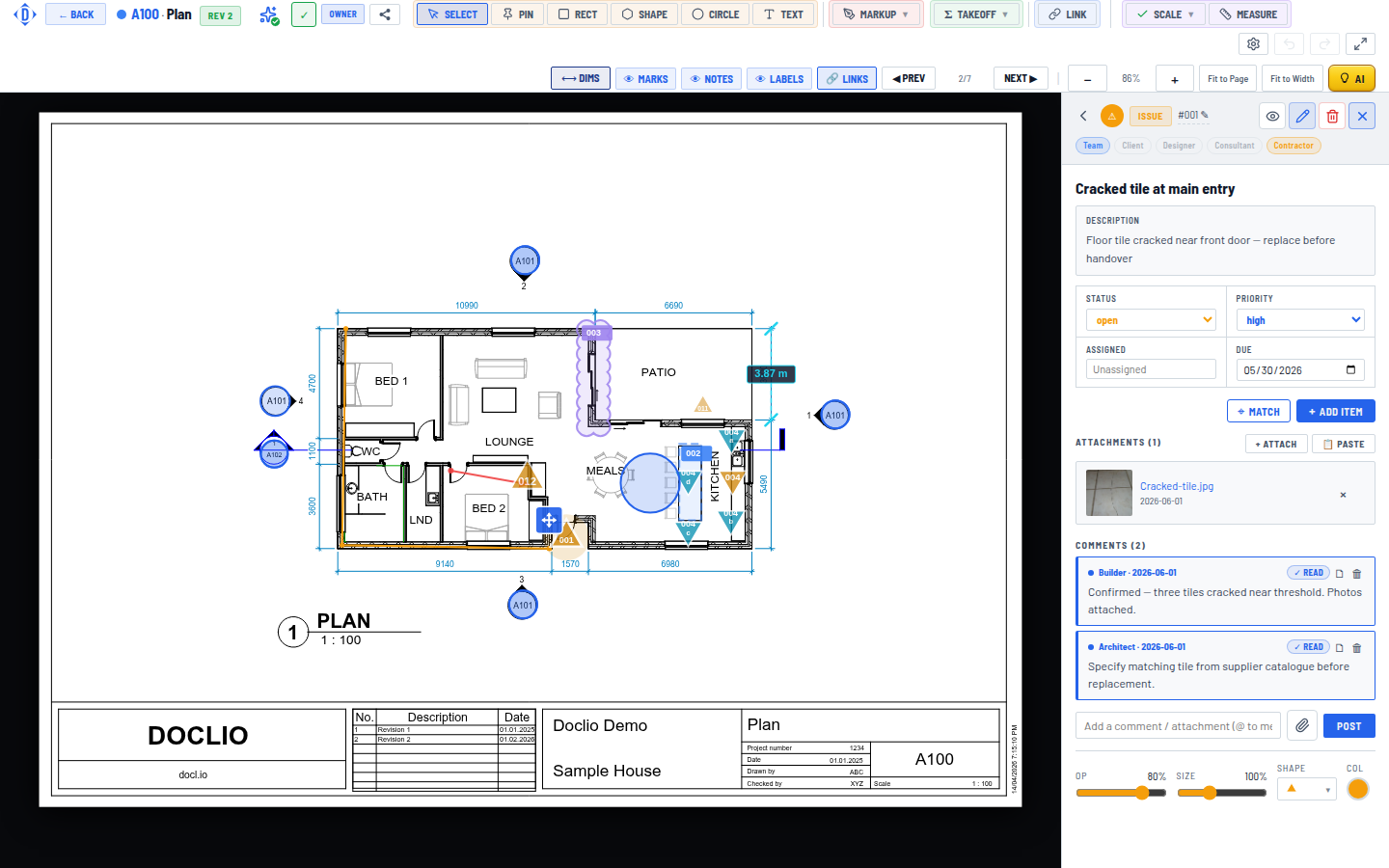
Team, Client, Designer, Consultant, Contractor — who can see this annotation