Tracking Progress with Statuses
Statuses track the lifecycle of an annotation from creation to completion.
Default Statuses
- Open — Newly created, not yet started
- In-Progress — Being worked on
- In-Review — Work done, awaiting review/verification
- Completed — Resolved and closed
Changing a Status
To update an annotation's status:
- Click the annotation (in the Actions view or on the drawing)
- In the detail panel, find the Status dropdown
- Select the new status
- The change is saved immediately
Custom Statuses
Create project-specific statuses to match your workflow:
- Go to Settings → Project Config
- Under STATUSES, click + ADD
- Enter a name and select a colour
- Drag statuses to reorder them
Status Colours in the Dashboard
The project progress bar on the Dashboard uses status colours to show at a glance how many annotations are in each state. Overdue items are highlighted in red.
Tip: Consider adding statuses like "On Hold", "Rejected", or "Verified" to match your team's review process.
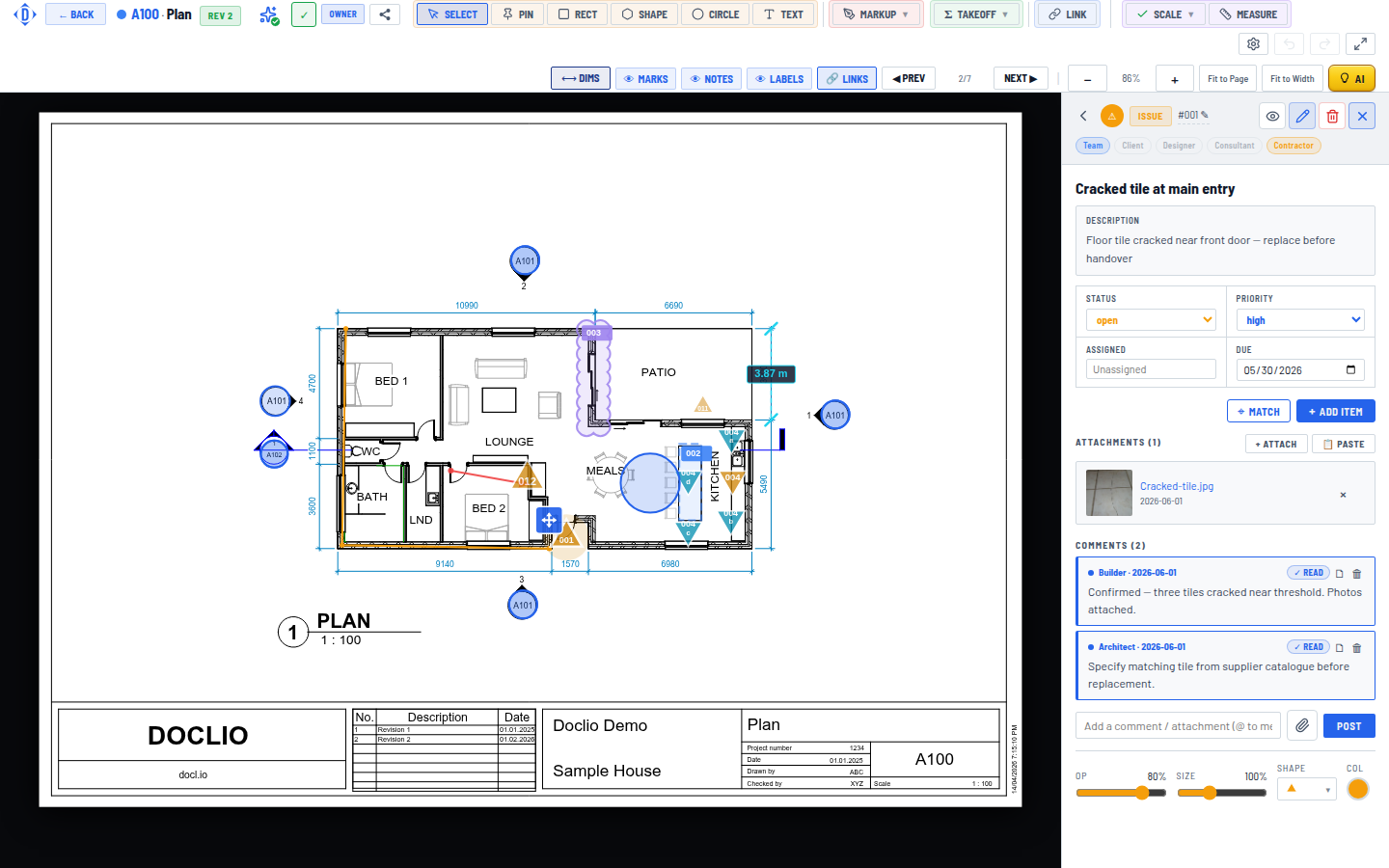
Open/In-Progress/In-Review/Completed status and priority dropdowns