Watch: Creating Projects and Adding Drawings — a short video walkthrough of this topic in the video gallery.
Importing PDF Drawings
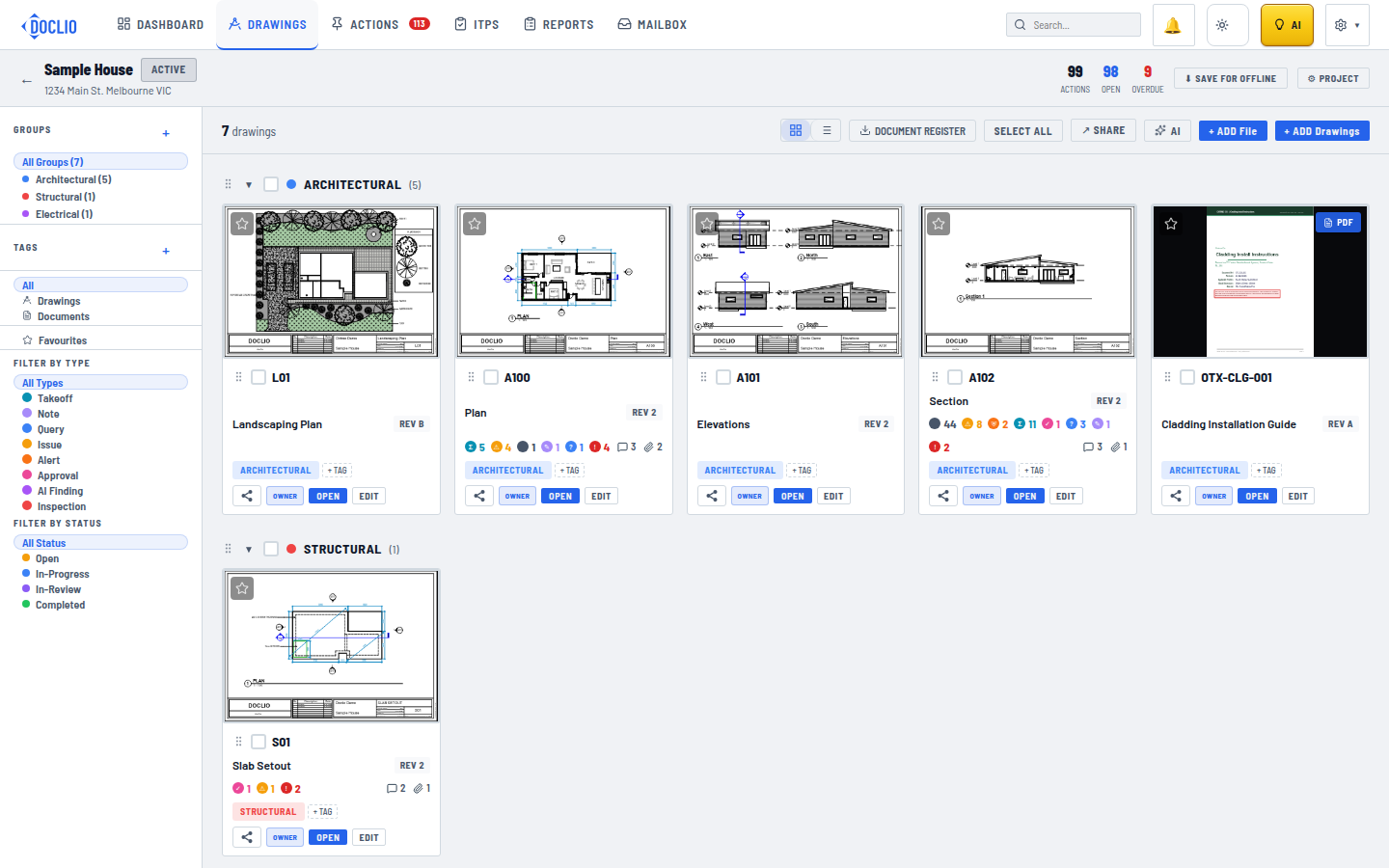
Drawing gallery view with thumbnails, discipline groups, and annotation badges
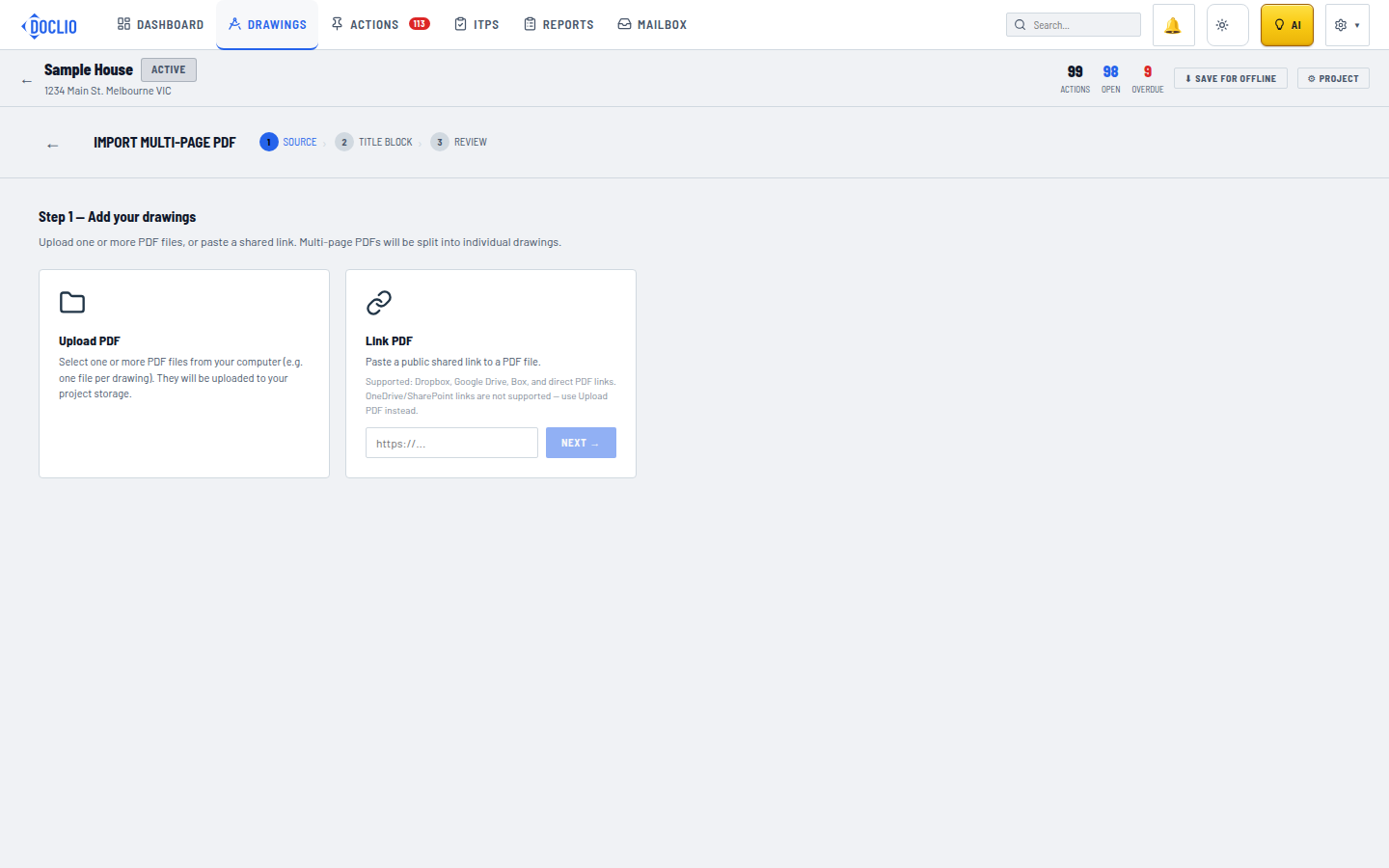
Drawings come in through a three-step import wizard. You import one PDF per run — a multi-page set is split so each page becomes its own drawing.
The Import Wizard
- Open your project and click + ADD Drawings in the top-right
- SOURCE — upload a PDF from your computer or paste a link to one
- TITLE BLOCK — drag a box around the title block on the preview. Doclio reads drawing numbers, titles, and revisions from that region on every page. If you've imported from this drawing set before, pick a saved title-block template instead of drawing the box again.
- REVIEW — each page appears as a card with its extracted number, title, revision, and group. Check them, edit anything the extraction got wrong, and untick pages you don't want.
- Click IMPORT N DRAWINGS
File Requirements
| Format | PDF only (for drawings) |
| Multi-page | Supported — each page becomes a separate drawing |
| Files per import | One PDF per run — re-open the wizard for the next set |
After Import
Each drawing gets:
- A drawing number extracted from the title block (e.g., A100, S01). You can edit it on the review card or later; pages with no readable number fall back to P1, P2, and so on.
- A thumbnail preview
- A group — matched automatically when the drawing number already exists in the project, otherwise it starts as "No group" until you assign one
Adding Documents
Use + ADD File to upload non-drawing files. It accepts images, video, CAD files (DWG, RVT, IFC, and other common formats), and Office documents like specifications and schedules. These are stored alongside your drawings.
Note: Your plan determines the maximum number of drawings/documents you can store. See Plan Comparison for limits.
Drawing Gallery