Last updated: August 2026
Every email you send from the Mailbox can carry a formal reference number like RFI-001 or VAR-014. Numbers are driven by categories you set per project.
Categories
Each project has a list of correspondence categories, each with a display name and a numbering prefix. New projects start with six:
| Category | Prefix |
|---|---|
| RFI | RFI |
| Variation | VAR |
| Site Instruction | SI |
| Transmittal | TX |
| Quote Request | RFQ |
| General | GEN |
How numbering works
When you pick a category in the composer, Doclio assigns the next number in that category's sequence, formatted as PREFIX-NNN — so the first RFI is RFI-001, the next RFI-002, and so on. Each category counts independently.
Editing the number
Once you've chosen a category, the numeric part is editable in the composer — the prefix comes from the category and stays fixed. If you type a number that's already been used in that category, you'll see a soft "already used" warning — but Doclio allows it, so you can match an external numbering scheme or correct a gap. Duplicates are permitted by design; the warning is just a heads-up.
The number can only be set before you send. Once correspondence has gone out, its reference is fixed — the recipient has quoted it in their inbox and in their own records, so it has to keep meaning the same thing. If you need a different reference, send a new message.
Uncategorised emails
If you don't pick a category, there's no number field in the composer and Doclio numbers the thread EMAIL-NNN (EMAIL-001, EMAIL-002, …) so it's still identifiable in your list. Your recipients don't see that reference — an uncategorised email goes out without a reference line, so it reads as ordinary correspondence.
Managing categories
Add, rename, or remove categories in Project Settings. Anyone with Contribute access (or higher) on the project can manage them. Because numbering is per-category, renaming a category's display name doesn't change numbers already assigned.
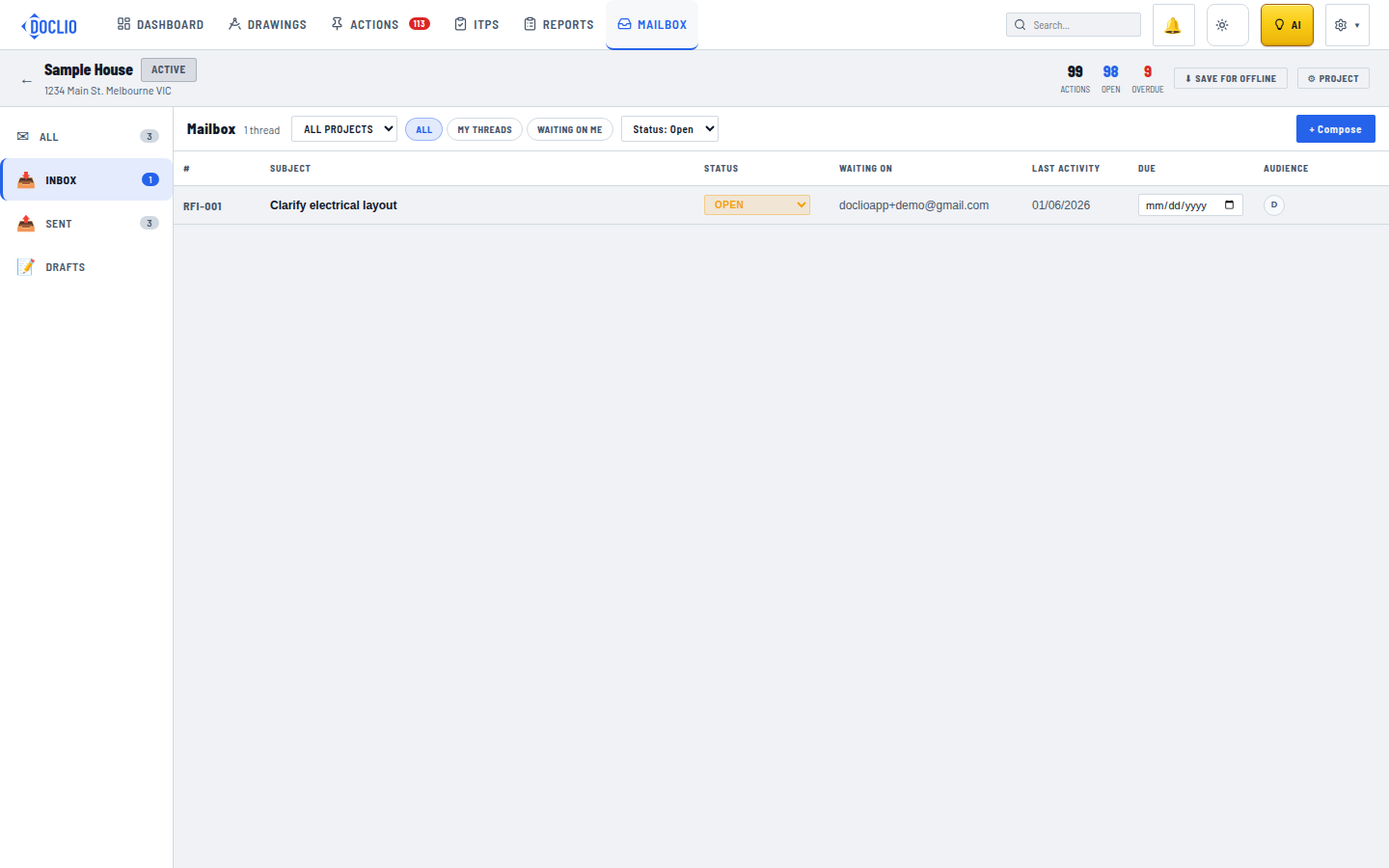
Threads numbered by type, e.g. RFI-001