Keep Reports Current
Refreshing a Static Report
Static reports capture a snapshot of your data. If annotations have changed since the report was created, you can refresh it:
- Open the report
- Click Refresh
- All annotation data is re-captured from the current state
- The old snapshot is replaced with the new data
Warning: Refreshing permanently replaces the previous snapshot. If you need to preserve the old version, duplicate the report first.
Duplicating a Report
Create a copy of a report with fresh data:
- Open the report
- Click Duplicate
- A new draft report titled "(Copy)" is created with current annotation data
- The original report remains unchanged
- Rename the duplicate if needed, then issue it — a draft isn't visible to recipients until issued
Common Workflow
For recurring reports (e.g., weekly defect reports):
- Create your first report with all the right filters and settings
- Each week, Duplicate the previous report
- The duplicate captures the current state of all annotations
- Issue the duplicate and share it with stakeholders
- Keep the old reports as a historical record
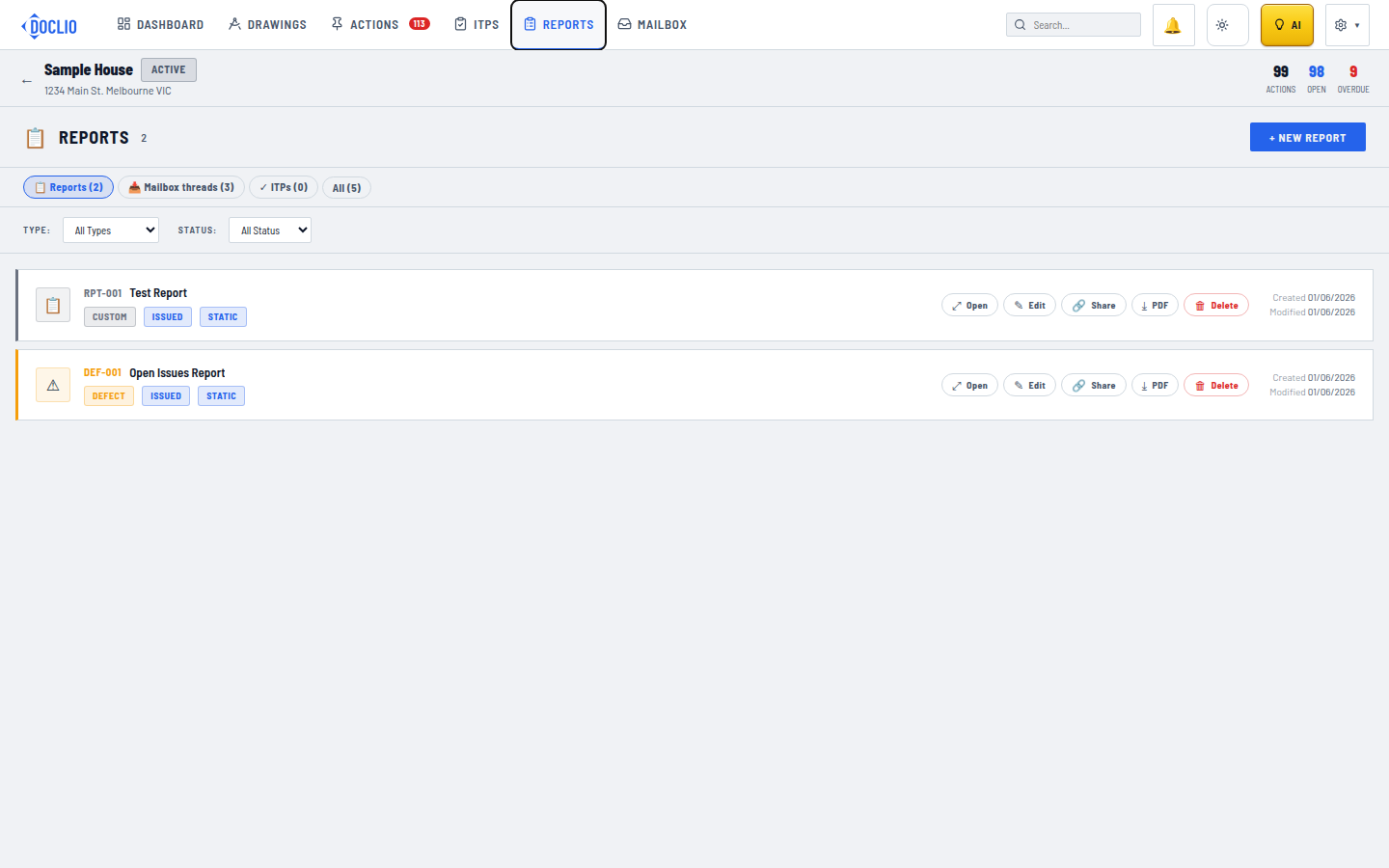
Edit or duplicate an existing report from its row actions