Can't Sign In?
Here are solutions for common login problems.
Forgotten or Wrong Password
Email and password is the default way to sign in. If your password isn't accepted or you've forgotten it:
- On the login screen, click Forgot password?
- Enter the email address for your account
- Check your inbox for the password reset email and follow the link to set a new password
You can also skip the password entirely — click Email me a magic link instead on the login screen to sign in via email.
Magic Link Not Arriving
- Check spam/junk folder — Magic link emails sometimes end up there
- Wait a moment — Emails can take up to 2 minutes to arrive
- Request a new one — Go back to the login page and request another magic link
- Check your email address — Make sure you entered it correctly
Magic Link Expired
Magic links expire after 1 hour. If your link has expired, simply go to the login page and request a new one.
Google/Microsoft Login Failing
- Make sure you're selecting the correct Google/Microsoft account
- Try clearing your browser cookies and signing in again
- Ensure pop-ups are not blocked — OAuth sign-in requires a pop-up window
Wrong Account
If you signed in with the wrong email and need to switch accounts:
- Click your email in the top-right corner
- Click Logout
- Sign in with the correct account
Can't Access a Shared Project
If someone shared a project with you but you can't see it:
- Make sure you signed in with the same email address the project was shared to
- Ask the project owner to confirm the email address they shared with
- Check if the share has an expiry date that may have passed
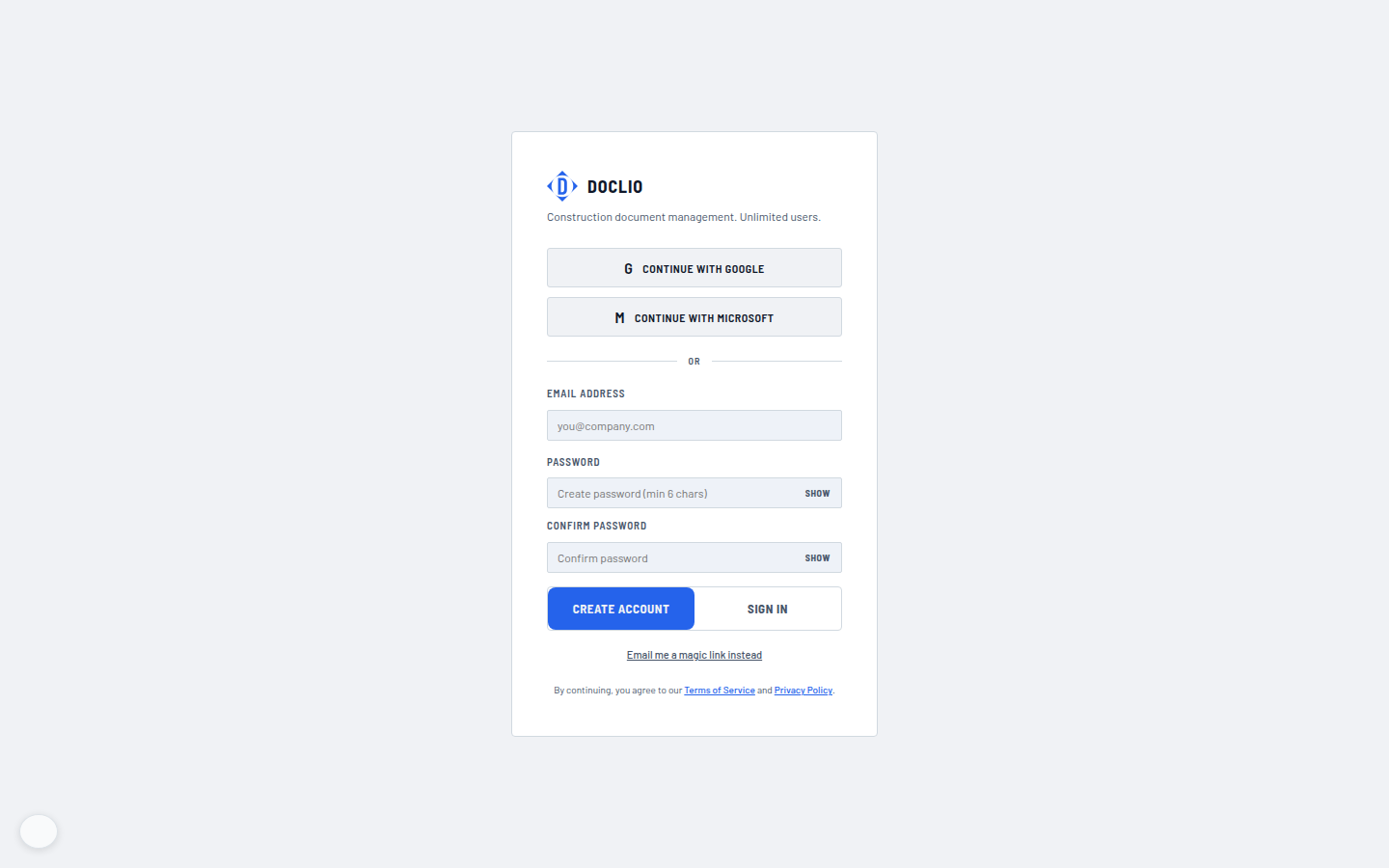
Password, Google/Microsoft OAuth, and magic-link options