Get the Home-Screen Experience
Doclio runs in the browser, but you can install it as an app on your phone, tablet, or computer. You get a proper app icon, a full-screen experience (no browser URL bar), and the app opens your cached drawings and projects without signal. Offline is read-only — see What Works Offline (and What Doesn't).
No App Store or Play Store needed. Doclio is a Progressive Web App (PWA) — installed straight from the browser, no download required.
On iPhone or iPad (Safari)
- Open doclio.app in Safari
- Tap the Share button (square with an arrow pointing up) at the bottom of the screen
- Scroll down and tap Add to Home Screen
- Keep the name "Doclio" (or rename it), then tap Add
The Doclio icon appears on your home screen. Tap it to launch the app in full-screen mode.
iOS tip: Safari is the most reliable way to install on iOS. Offline mode works in all browsers on iOS regardless of which one you install from.
On Android (Chrome)
- Open doclio.app in Chrome
- You'll see a banner at the bottom saying Add Doclio to Home screen. Tap Add.
- If the banner doesn't appear, tap the ⋮ menu in the top-right and choose Install app or Add to Home screen
On Windows or Mac (Chrome, Edge, or Brave)
- Open doclio.app
- Look for an install icon (⊕ or a small screen icon) on the right side of the address bar
- Click it, then click Install
Doclio appears in your Start Menu (Windows) or Applications folder (Mac), and can be pinned to your taskbar or dock like any other app.
Why Install?
- Launch directly from your home screen without opening a browser first
- Full-screen — no URL bar or tabs stealing space, especially useful on phones
- Offline — cached drawings and projects open without signal, same as in the browser (read-only — see What Works Offline)
- Fast startup — the app loads from your device cache on the second launch onwards
Uninstalling
- iOS: Long-press the icon on your home screen, tap Remove App, then Delete from Home Screen
- Android: Long-press the icon, drag to Uninstall
- Desktop: In the app itself, click the ⋮ menu and choose Uninstall Doclio, or remove it from your OS apps list
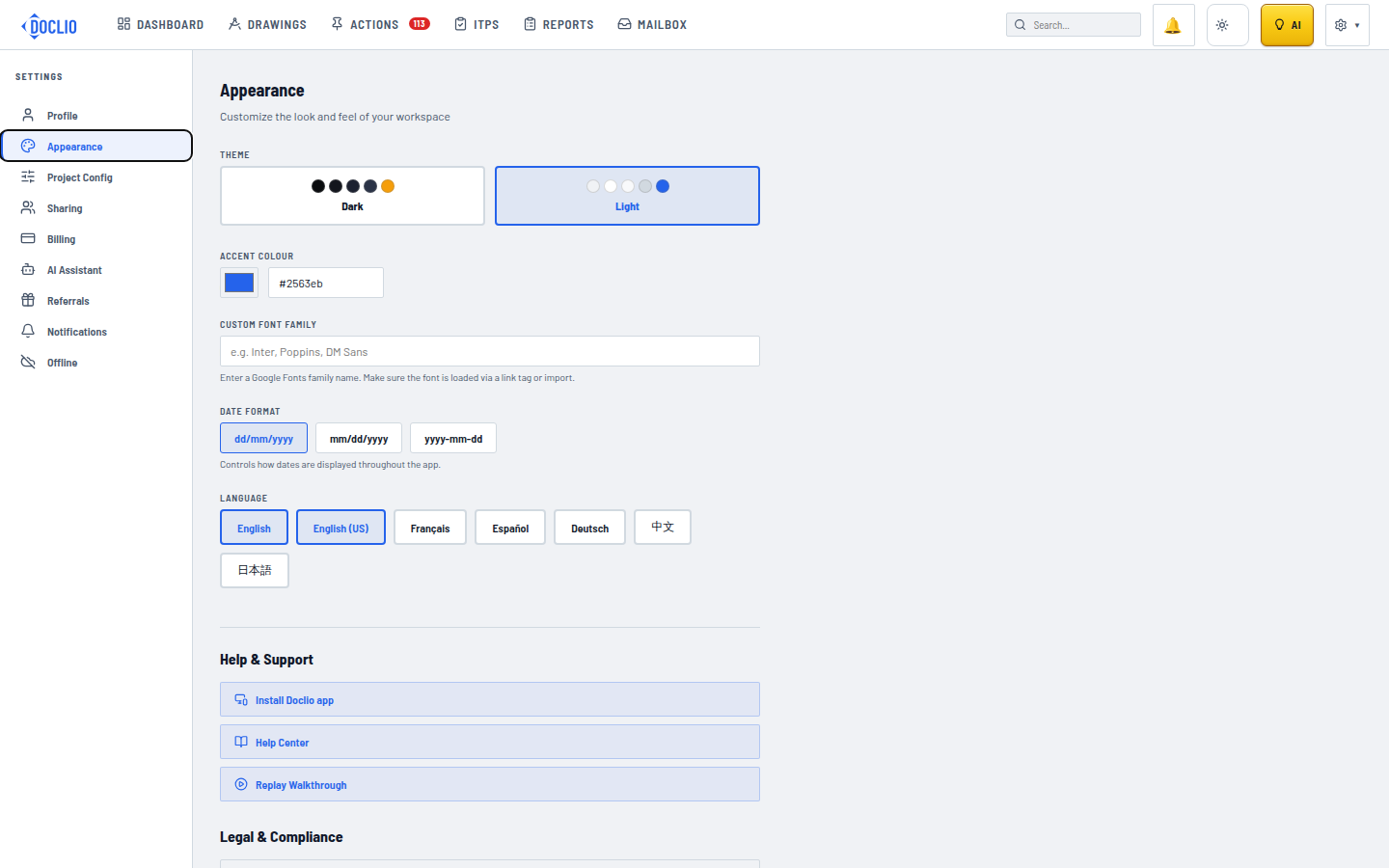
Link under Help & Support in Settings