Last updated: June 2026
Anyone with a report link can read it. To comment, attach a photo, or respond, the viewer needs a free Doclio account — created right on the report, with no magic link.
Who can do what
| Viewer | Read | Comment / attach | Approve / respond |
|---|---|---|---|
| Anonymous (public or invited one-click) | Yes | No — prompted to create an account | No (unless the sender enabled guest responses) |
| Signed-in recipient (the report was shared to their email) | Yes | Yes | If the sender ticked "Allow this recipient to respond" |
| Project member | Yes | Yes | Yes |
Creating a free account to comment (no magic link)
When a recipient who isn't signed in tries to comment, the viewer shows a Create a free account to comment box with their invited email pre-filled. They choose a password and the account is created and signed in immediately — there is no magic link and no confirmation email (a deliberate choice, since those links are often quarantined). Already have an account? The same box has a Sign in toggle.
The account must use the email the report was shared to — that's how Doclio knows the comment is from the right person.
Commenting & attaching
Once signed in, open any note in the report. A comment box and an Attach File button appear. Comments and photos are saved against that item and are visible to the project team in Doclio. (Comments require a Live report; static snapshots are read-only.)
Responding / approving (owner-optional)
For a formal response — answering an RFI, accepting/rejecting a defect, signing off an ITP item — the report owner decides per recipient. When sharing (Report Only on a Private report), the sender ticks "Allow this recipient to respond / approve". The recipient then sees a Respond to this Report button after signing in, and their statuses + notes are recorded against each item and flip the report to responded. Without that tick, recipients can read (and comment, with an account) but not formally respond.
Related articles
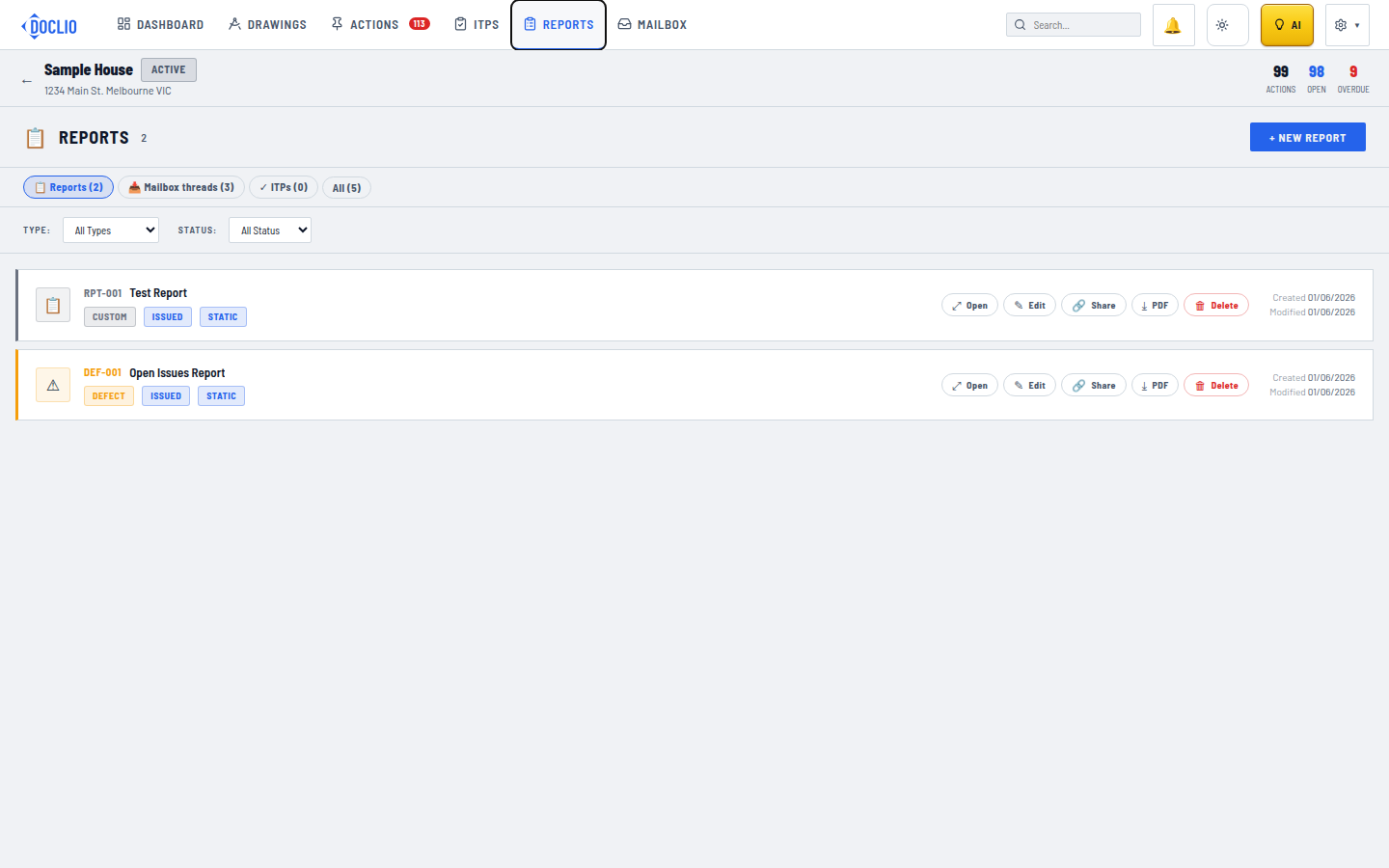
Open a report to comment on and respond to its items