Last updated: June 2026
When you share a report, recipients open it in Doclio's report viewer — the same rich, read-and-collaborate page whether they reach it from a public link, a personal invite link, or (for project members) from their Reports list. This article explains what recipients see, how they comment and respond, and how the older Mailbox thread link differs.
The links that open the viewer
| Link | Who | What it does |
|---|---|---|
/report/<token> | Anyone (Public reports) | Opens the report read-only. No sign-in to view. |
/rv/<token> | Invited recipient | Personal one-click link for a Private report. Possession of the link is the verification — no password or code to view. |
/report-view/<id> | Project members | Opens any report (including drafts) from the Reports list, in a new tab. |
What the recipient sees
- Header — logo, project, report number/title, type and status.
- Drawings — each drawing with its annotation pins, plus zoomed "detail view" regions.
- Contents — a navigable table of contents down the side; click to jump.
- Notes — every item with its description, fields, photos and comments.
- Download PDF — a paginated PDF of the whole report.
Commenting & responding
Reading is open to everyone with the link. Commenting and attaching photos requires a free account, which a recipient can create right in the viewer (email + password — no magic link). If the sender enabled it, an invited recipient can also submit a formal response/approval without joining the project. Full detail: Commenting & responding on a shared report.
Mailbox thread links (/r/<token>)
Reports sent from the Mailbox composer give each recipient a thread link of the form https://doclio.app/r/<token>. That viewer is tailored to email-style back-and-forth: recipients reply to the thread (or just reply to the notification email) and the reply lands back in Doclio. To recipients can reply; CC recipients get a view-only copy. Links expire after 30 days — re-send from the Mailbox to issue a fresh one.
Related articles
- Sharing Reports
- Commenting & responding on a shared report
- Shared with me — finding reports shared to you
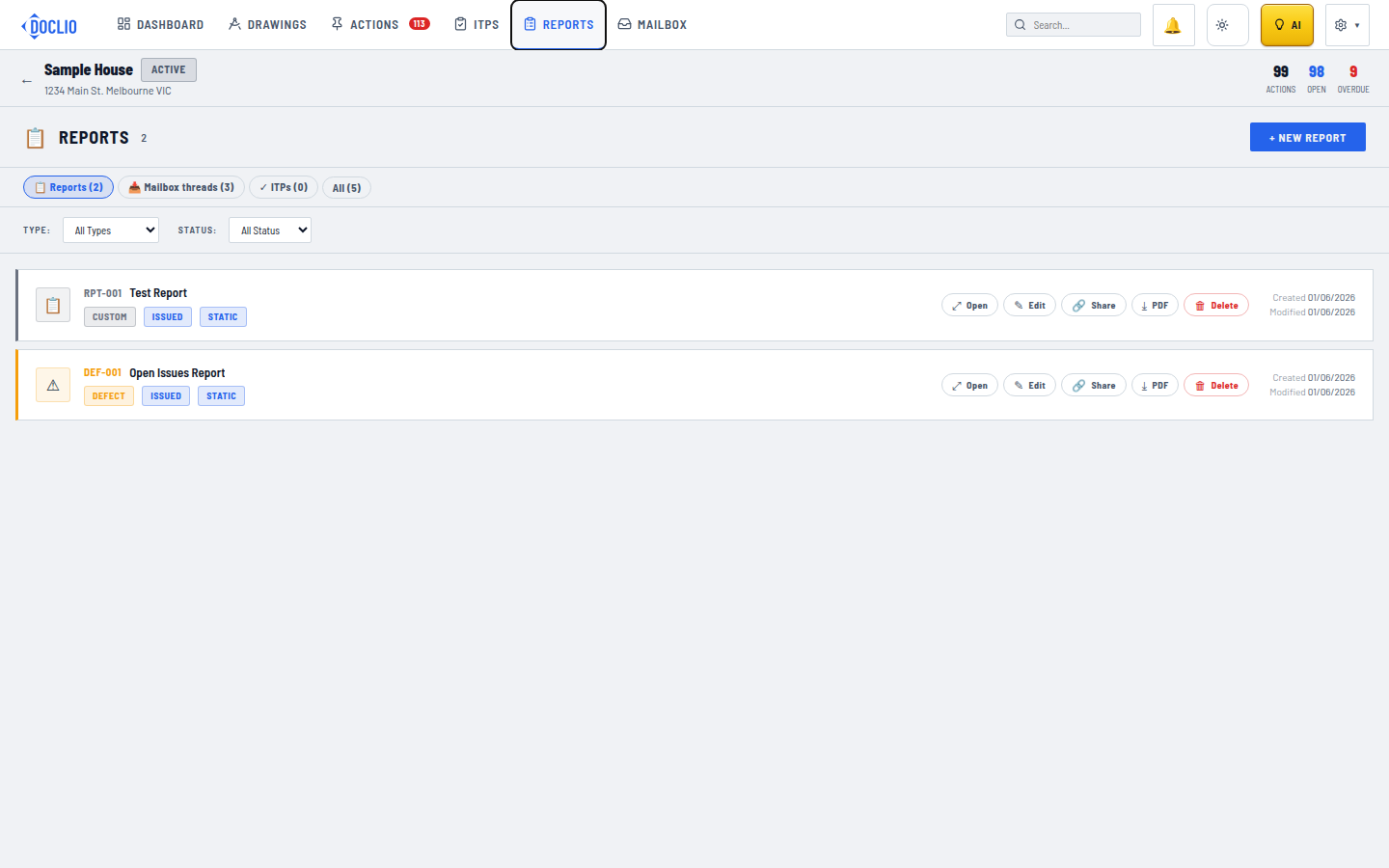
Open a report to use the interactive viewer