Last updated: May 2026
Doclio is built for sharing with people outside your organisation — clients, head contractors, subcontractors, consultants, and certifiers. There's no charge for external users and no limit on how many you invite.
Ways to share with an external party
- Specific drawings or a group — share only the drawings they need (Single Drawing, Multiple Drawings, Group Only, or By Tag scope). Ideal for a subbie who only needs the Hydraulic set.
- The entire project — for a head contractor or superintendent who needs the full picture.
- A report — send a defect report or progress report by link or email without giving project access at all. See Sharing Reports.
Set the right capability
For most external parties, choose View (read-only) or Comment (read plus comments). Use Contribute only when you want them adding their own annotations, and Edit rarely — it lets them change and delete others' content.
Hiding sensitive items from external viewers
There are two ways to keep something out of an external party's view:
- Mark the annotation Private — only its creator and the project owner can see it.
- Use annotation-type role mappings — map a sensitive type (e.g. an internal "Risk" or "Cost" type) to internal roles only, and external roles won't see annotations of that type. This is the better tool when you want a whole class of annotations hidden from a particular role. See Roles and Capabilities.
Best practices
- Share the narrowest scope that does the job (a group or a tag, not the whole project, when that's all they need).
- Set an expiry on time-limited engagements (7, 30, or 90 days).
- Turn off "can re-share" for external parties so access doesn't spread beyond who you intended.
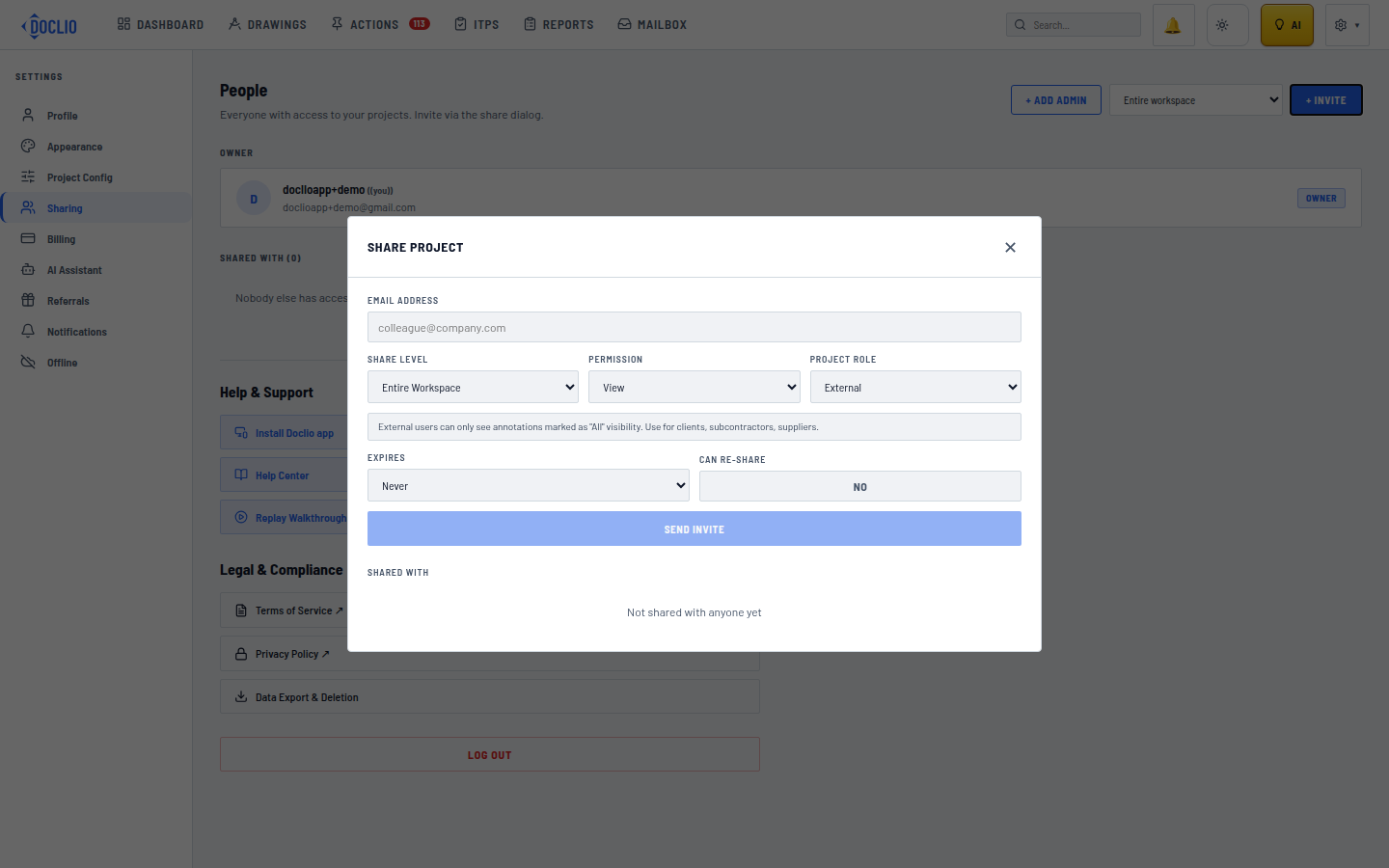
External role limits visibility to annotations marked "All"
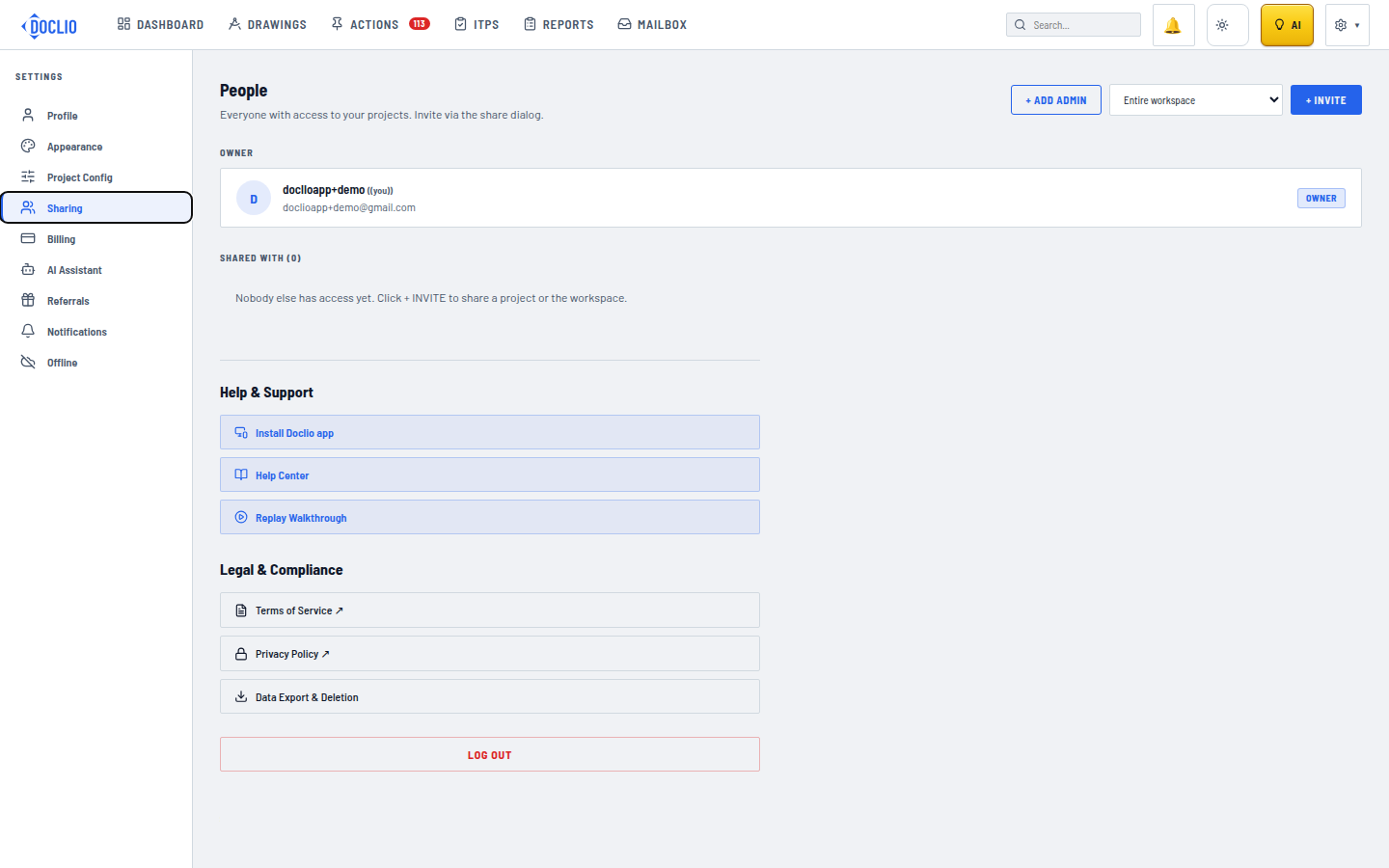
Invite external contacts by email from Settings → Sharing