Last updated: May 2026
If Doclio won't let you add or edit anything, one of these is the reason.
1. You were shared in with View access
If your share permission is View, you have read-only access by design — you can open drawings, read annotations, and view reports, but not change anything. Ask the project owner to raise your capability to Comment, Contribute, or Edit if you need to do more. The same applies if you're an organisation Viewer.
2. The subscription payment is overdue
If the workspace's payment fails, there's a 7-day grace period during which everything keeps working. After that, the workspace drops to read-only until the billing issue is resolved. The organisation owner can fix this in Settings → Billing by updating the payment method. Your data is never deleted — it just becomes read-only until payment succeeds.
3. The subscription was cancelled or has expired
If the workspace's subscription is cancelled, unpaid, or the free trial has expired, the whole workspace drops to read-only. Nothing is deleted — you can still open and read everything. The organisation owner can restore full access by subscribing again from Settings → Billing or the pricing page.
4. You've hit a plan capacity limit
Plans cap the number of active projects, drawings/documents, and storage. When you reach a limit you can't add new items of that kind until you free up space (archive a project, delete drawings) or upgrade / add an overage block. Existing content stays fully editable. See Project and Drawing Limits.
Note: read-only mode is never caused by the number of users on your plan — every plan includes unlimited users.
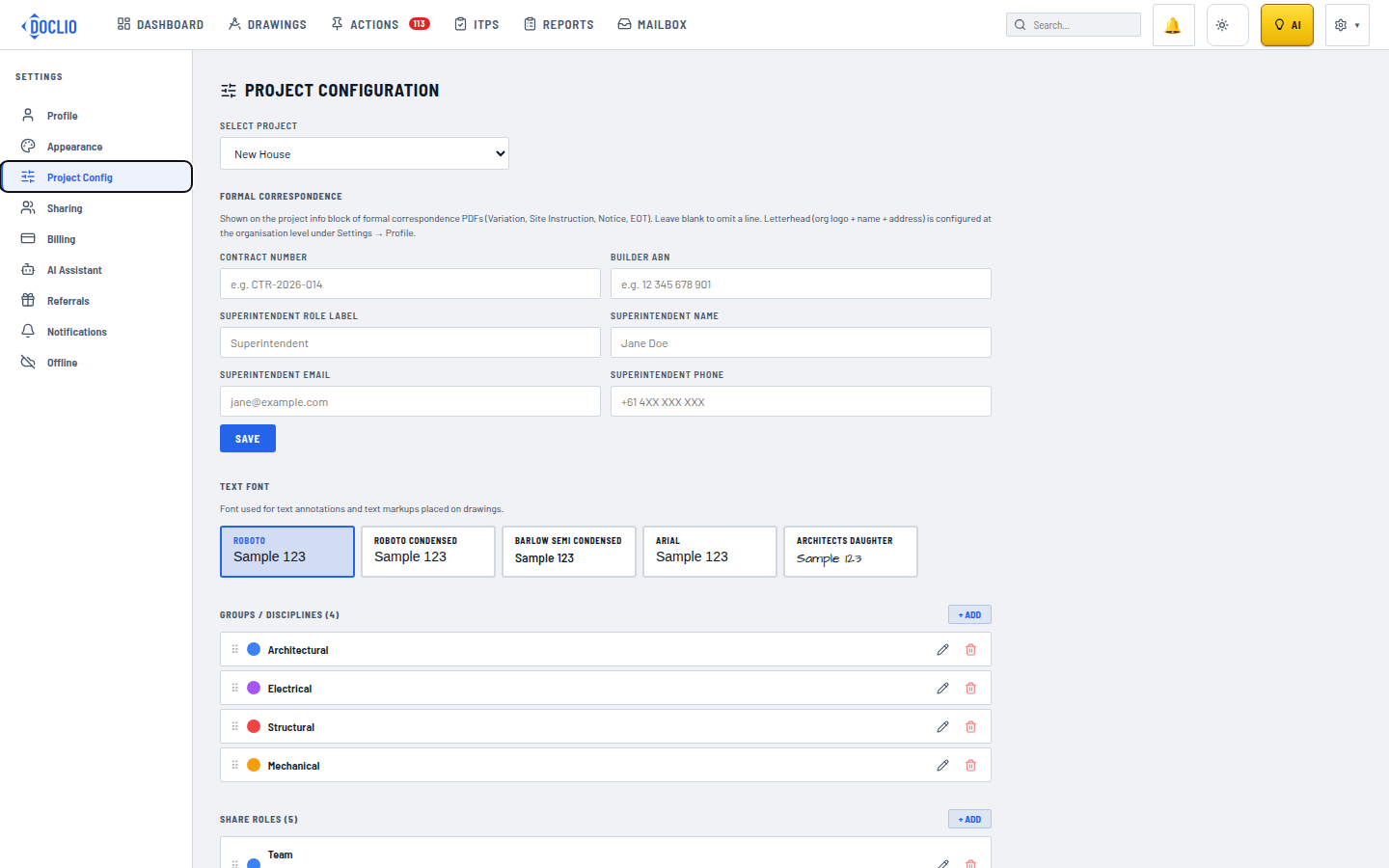
Your share role determines whether you have edit access