Last updated: May 2026
If a project was shared with you but some annotations are missing, it's almost always one of the reasons below.
1. The annotation is Private
Every annotation is either Visible or Private. A Private annotation is visible only to the person who created it — nobody else, regardless of share or role. If you need to see it, ask the creator to switch it to Visible.
2. Your role doesn't include that annotation type
This is the most common cause for external collaborators. Project owners can map an annotation type to specific roles. If the "Defect" type is mapped to Contractor and Team only, someone shared in as a Client will not see any Defect annotations — even though they're marked Visible.
Ask the project owner which roles a type is mapped to, or whether your role can be widened. See Roles and Capabilities.
3. A filter is active
Check the filter bar — an active status, type, or search filter hides everything that doesn't match. Clear filters to see the full list.
4. Your share scope doesn't include that drawing
If you were shared a single drawing, a group, or a tag — rather than the entire project — you'll only see annotations on the drawings within that scope. Annotations on other drawings won't appear.
5. You're on a different drawing or page
Annotations are anchored to a specific drawing and page. Make sure you're viewing the drawing (and page) the annotation lives on.
Still stuck? Ask the project owner to confirm (a) the annotation is set to Visible, (b) its type is mapped to a role you hold, and (c) your share scope covers the drawing it's on.
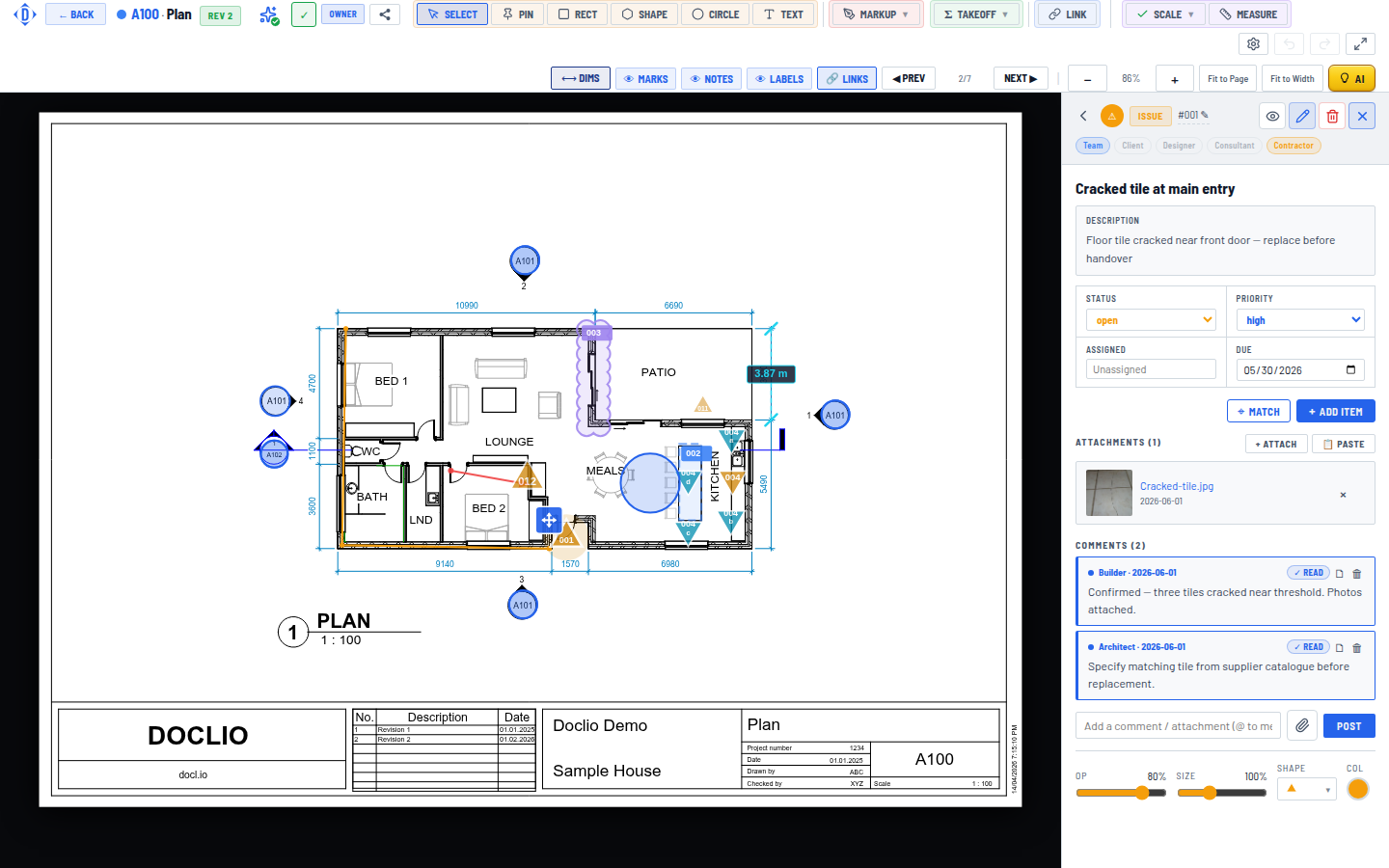
An annotation's visibility pills control which share roles can see it