Last updated: May 2026
The dashboard is your landing screen — a snapshot of what needs attention across your projects, plus quick access to every project.
Summary cards
Five cards across the top total things up across the projects you can see:
- Open Actions — actions that aren't yet completed.
- Overdue — actions past their due date.
- Approvals — items awaiting an approval decision.
- Open Emails ✉ — open correspondence threads in your Mailbox.
- Projects — how many active (non-archived) projects you have.
Each card links through to the matching filtered view.
Recent activity
Below the cards, a Recent Actions table lists the latest activity across your projects — title, project, drawing, status, due date, and who it's assigned to. Overdue rows are flagged. (Mailbox email threads have their own home in the Mailbox, so they're not mixed into this table.)
Project cards
Your projects are shown as cards. Each card shows the project name, key counts, and — when set — the project's parties (Client, Designer(s), Contractor(s)). A ⚙ button opens Project Settings, and a people indicator shows who's shared on the project.
Navigation
The top navigation gives you Dashboard, Drawings, Actions, Mailbox, Reports, and ITPs, plus global Search and your account menu. See Navigating the App.
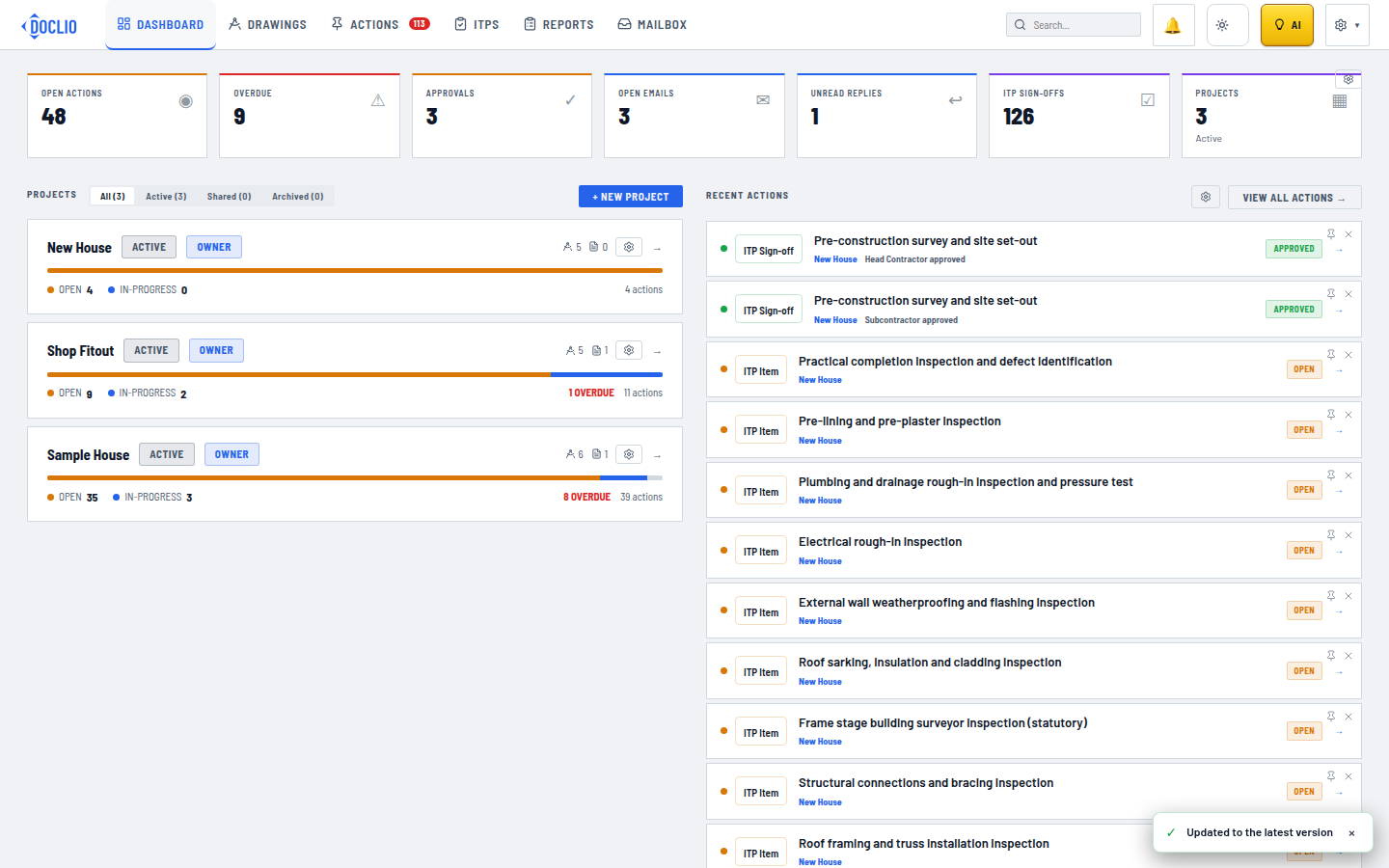
Project cards, summary stats, and recent actions